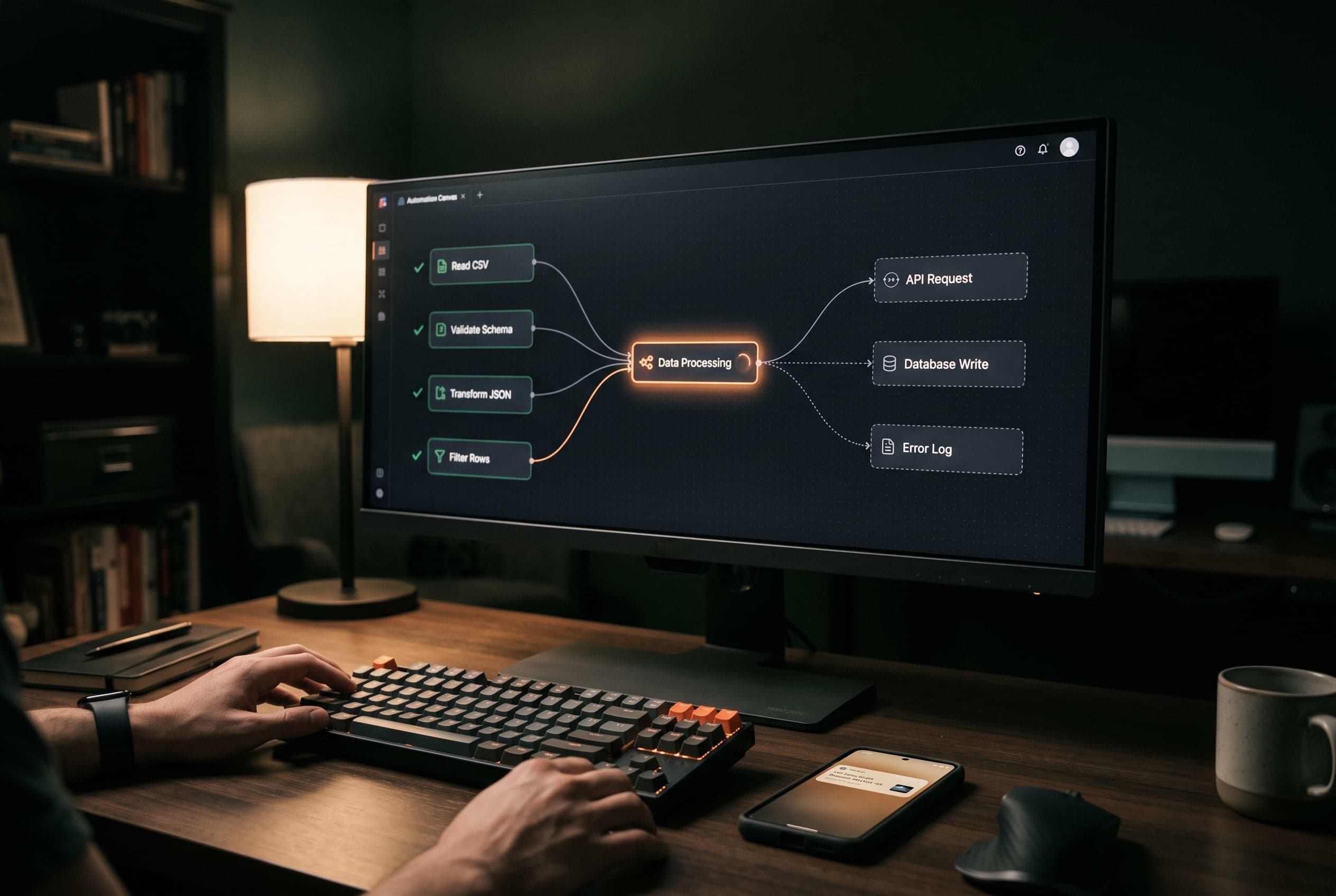
Work that runs itself

An automation takes over the steps you repeat every day: retyping data, sending confirmations, notifying colleagues, filing documents in the right place. Here is how such a system is put together, what we build with it, and when it is worth doing.

Three parts, that is all

01

The trigger

Every automation starts with a single event: a submitted form, a payment, a new appointment, an incoming email. That moment is the trigger. You start nothing — the system notices it itself.

02

The steps

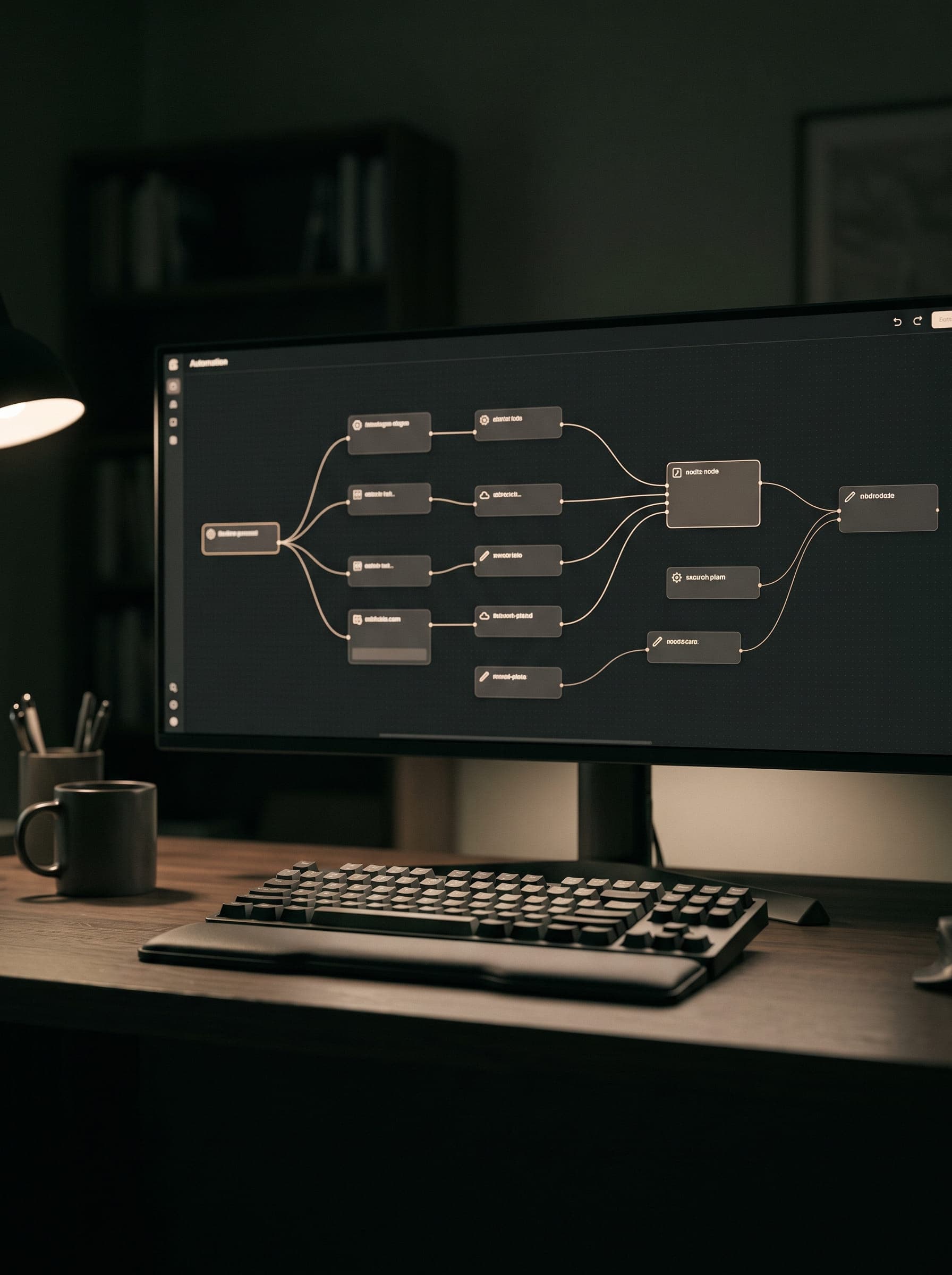
What follows is a fixed sequence of actions. Data is checked, enriched and passed to the systems it belongs in. Every step stands on its own and can be changed, and you can always see what happened.

03

The result

At the end everything sits where it belongs and everyone who needs to know, knows. What is left is the work that genuinely needs a person: the conversation with the client.

Six automations we build

No theory. These are the connections we build most often for companies of a handful of people. Each chain starts at the trigger and runs on by itself.

01

From form to follow-up

Replaces
A form sitting in an inbox until someone has time.

Trigger

Someone fills in your contact form

01

Data validated

02

Contact created in your CRM

03

Confirmation email goes out

04

Notification in Slack or Teams

05

Task assigned to the right person
02

Quotes that chase themselves

Replaces
Remembering yourself who still needs a call.

Trigger

You send a quote

01

Quote stored as PDF

02

Added to your pipeline

03

Reminder after five days

04

Second reminder after ten days

05

Stops as soon as the client replies

03

Appointments and calendar

Replaces
Emailing back and forth about what time works.

Trigger

A client books online

01

Slot blocked in your calendar

02

Confirmation with location and directions

03

Reminder the day before

04

Slot freed up on cancellation

04

Invoicing without retyping

Replaces
Typing the same figures three times into three systems.

Trigger

A job is completed

01

Hours and line items collected

02

Invoice drafted in your accounting

03

Sent to the client

04

Payment checked

05

Reminder on an overdue invoice

05

Stock and orders

Replaces
A stock list in Excel that is always behind.

Trigger

An order comes in

01

Stock updated

02

Packing slip to the warehouse

03

Tracking link to the customer

04

Alert on low stock

06

Content across channels

Replaces
Copying the same post into four apps.

Trigger

You prepare one post

01

Scheduled per channel

02

Formats adjusted

03

Published at the right moment

04

Replies collected in one place

Why this works

No promises about revenue. This is what changes on the day the steps are fixed.

Nothing is left waiting

The system does not wait for a free moment. A request at three in the morning goes through the same steps as one at three in the afternoon.

No retyping errors

Data is entered once and passed on. Where nobody retypes, no typos appear in addresses, amounts or email addresses.

You can see what happened

Every step is logged. If something goes wrong you see at which step and why — instead of finding out that something did not happen at all.

It scales with you

Ten requests a week or a hundred: the system does the same amount of work. You hire when the work grows, not when the admin grows.

Your current tools stay

We do not replace your CRM or your accounting. We connect them, so nobody has to learn a new way of working.

You stay the owner

Everything runs on n8n, an open system. The configuration is yours and comes with you if you ever continue with someone else.

When is it worth it?

Usually yes

  • Something you repeat at least weekly
  • Data you move from one system to another
  • Follow-up that depends on someone remembering
  • Work that sits idle outside office hours

Usually not

  • Something you do twice a year
  • Work that needs a different judgement call each time
  • A process still changing every month — settle it first, then automate
  • A thirty-second task where little ever goes wrong

Connects to the tools you already use

Curious what could be automated in your case?

Send us how it works at your place. We will say which steps lend themselves to automation, and which ones are not worth it.